Free ICS Viewer
Open an .ics file and see the plans inside. Preview events, repeat dates, and time zones without importing anything into your calendar.
A month with room to breathe
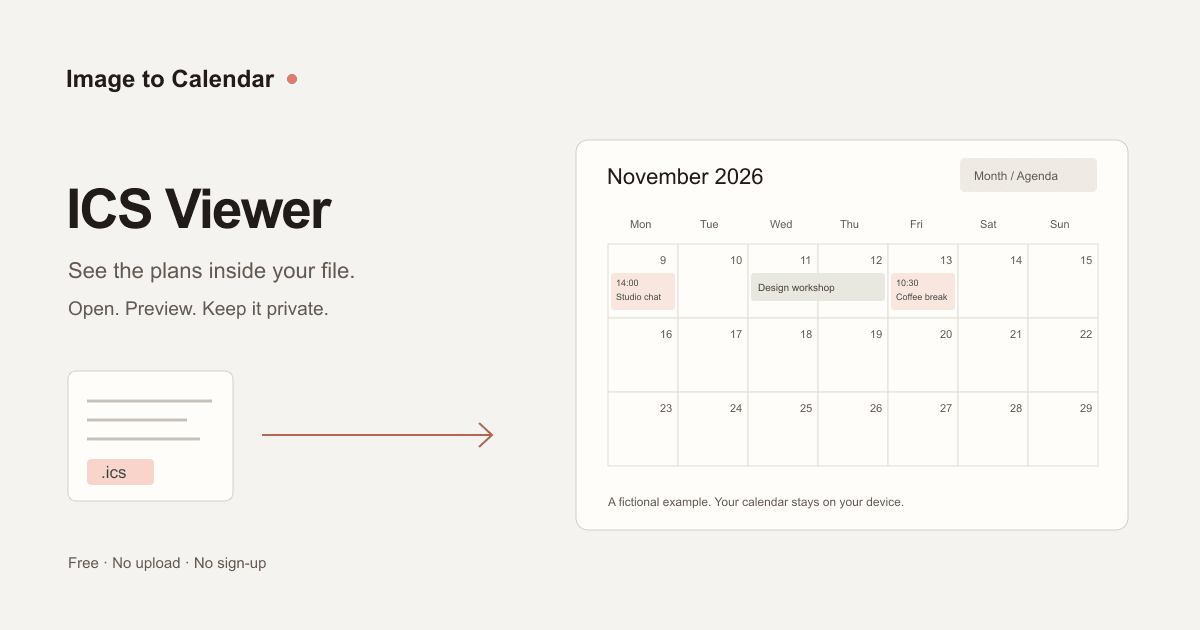
6 occurrences in November 2026 · 5 entries in file
View example ICS source
BEGIN:VCALENDAR
VERSION:2.0
PRODID:-//Image to Calendar//Viewer Example//EN
X-WR-CALNAME:A month with room to breathe
BEGIN:VEVENT
UID:studio@example.invalid
DTSTAMP:20261101T120000Z
DTSTART:20261109T140000Z
DTEND:20261109T143000Z
RRULE:FREQ=WEEKLY;COUNT=4
EXDATE:20261116T140000Z
SUMMARY:Monday studio catch-up
LOCATION:Studio 2
DESCRIPTION:A short weekly check-in.\nThe November 16 meeting is skipped.
END:VEVENT
BEGIN:VEVENT
UID:studio@example.invalid
RECURRENCE-ID:20261123T140000Z
DTSTAMP:20261101T120000Z
DTSTART:20261123T153000Z
DTEND:20261123T160000Z
SUMMARY:Studio catch-up (new time)
LOCATION:Studio 2
END:VEVENT
BEGIN:VEVENT
UID:workshop@example.invalid
DTSTAMP:20261101T120000Z
DTSTART;VALUE=DATE:20261111
DTEND;VALUE=DATE:20261113
SUMMARY:Design workshop
LOCATION:The creative studio
DESCRIPTION:Two days to explore ideas and make something new.
END:VEVENT
BEGIN:VEVENT
UID:coffee@example.invalid
DTSTAMP:20261101T120000Z
DTSTART:20261113T103000
DTEND:20261113T113000
SUMMARY:Coffee & a good book
LOCATION:Corner café
DESCRIPTION:A floating-time event: 10:30 wherever you are.
END:VEVENT
BEGIN:VEVENT
UID:night@example.invalid
DTSTAMP:20261101T120000Z
DTSTART:20261119T230000Z
DTEND:20261120T010000Z
SUMMARY:Night-sky photography
LOCATION:Hilltop lookout
DESCRIPTION:Bring a tripod and a warm layer.
END:VEVENT
END:VCALENDAR
Need structured data for code? Convert ICS to JSON and copy or download the event objects.
Need a printable copy? Convert ICS to PDF with a date range and time zone.
One .ics or .ical file · Up to 2 MB and 5,000 source records · Your calendar stays on your device.
How to open an ICS file without importing it
- 1. Open your calendar file
Choose an ICS export or invite.ics attachment. You can also paste its full text. Unzip calendar exports before selecting a file.
- 2. Find the dates you need
Start with the first event, browse a month, or use Agenda to scan the list. Search titles, locations, and descriptions within the selected month.
- 3. Inspect an event
Check its dates, time zone, location, description, and repeat rule. Viewing never adds an event, sends a reply, or changes the source file.
Explore the example calendar
The calendar above is an interactive fictional example. Click a plan to inspect its dates, switch to Agenda, or change the display time zone. Open your own file to replace it. If you choose Try example later, Restore your calendar brings back your file and pasted text.
| In the ICS file | What the preview shows |
|---|---|
| Weekly studio catch-up | November 9 and 30 at 14:00 UTC; November 16 is excluded. |
| Changed November 23 meeting | 15:30 UTC, replacing the original 14:00 occurrence. |
| Two-day design workshop | November 11–12. The exclusive end in the file is November 13. |
| Floating-time coffee break | November 13 at 10:30, unchanged by the time zone selector. |
| Overnight photography | November 19 at 23:00 through November 20 at 01:00 UTC. |
The example contains six event dates from five entries in the file. Repeating series, exclusions, and changed instances mean a file’s record count will not usually equal the number of appointments in a month.
What is an ICS file?
An ICS file is a plain-text calendar document in the iCalendar format. A single file can contain one meeting invitation, a season of fixtures, or years of appointments. Calendar apps use fields such as DTSTART, DTEND, SUMMARY, and RRULE to describe when an event happens and whether it repeats.
An ICS viewer turns those fields into a readable calendar. It is useful when opening an attachment would normally launch a calendar app and ask you to import it. Here you can inspect the contents first, including the event UID, organizer, attendees, and cancellation status when the file provides them.
The format is defined by RFC 5545. This preview handles common event data; it is not a complete compliance test or a guarantee of how another calendar app will import a file.
Check the details before you import
Time zones and daylight saving
A meeting at 14:00 UTC may appear on a different day in your local zone. Select a display time zone to compare the instant. As written in file shows the original times, which may use different zones across events. A floating time has no zone: treating it as UTC would silently move the appointment, so this viewer leaves it unchanged and labels it.
Repeat rules, moved meetings, and cancellations
A weekly rule can describe hundreds of appointments in one record. The preview expands the selected month, applies excluded dates, and replaces individual changed occurrences. Canceled entries remain visible with crossed-out titles. Read preview notes for unsupported changes and processing limits rather than assuming a missing occurrence was canceled.
All-day dates and overnight events
An all-day end date is exclusive, while an overnight meeting spans its actual start and end. The month grid marks each occupied day. Agenda shows the full date and time range. For all-day plans, Last day is the final day you attend; the original exclusive end remains available in Calendar file details.
Files that need a closer look
A calendar with missing dates, unrecognized time zones, or a complex repeat rule may produce a partial preview. Use the ICS Validator to inspect common errors. To compare event records in a spreadsheet, use ICS to CSV. Preserve the original export while you investigate.
Your file stays with you
Calendar exports can include private addresses, attendee emails, and meeting notes. This ICS file viewer reads files and pasted text locally. It does not upload them, connect to your calendar account, fetch links from event descriptions, or save your calendar in browser storage.
Try example keeps a temporary copy of your calendar and pasted text in this tab so you can restore them. Clear calendar removes the file, pasted text, preview, and temporary copy from this page. Refreshing also clears your input and restores the example. Download original ICS saves the original text; changing the display time zone does not rewrite that download. See our privacy policy for the site’s general account and usage-data practices.
ICS viewer questions
How do I open an ICS file online?
Choose Open ICS file, drop one .ics or .ical file onto the viewer, or paste its complete calendar text and choose View calendar. The preview opens at the earliest readable event. Switch between Month and Agenda, select a month, or click an event for its details. No account or calendar connection is needed.
Can I view an ICS file without importing it?
Yes. This ICS file viewer displays the file on this page without adding events to Google Calendar, Apple Calendar, or Outlook. Opening an event does not send an RSVP or notify its organizer. Download original ICS saves the source calendar without rewriting it.
Is this ICS viewer free and private?
Yes. Reading files, expanding repeat rules, searching, and changing display time zones happen in your browser. Calendar text and filenames are not sent to our server or an AI provider and are not saved in browser storage. Try example temporarily keeps your current calendar and pasted text in this tab so you can choose Restore your calendar. Clear calendar removes both the current input and that temporary copy. Refreshing clears your input and restores the fictional example.
Does the viewer support recurring events and exceptions?
The preview expands RRULE and RDATE occurrences for the selected month, skips EXDATE exclusions, and shows individual RECURRENCE-ID overrides at their changed dates and times. Canceled events remain visible with a crossed-out title and status in their details. THISANDFUTURE changes are shown as individual overrides; later occurrences may still follow the original rule. Preview notes identify limits or series that could not be fully expanded.
Why do event times change when I select a time zone?
UTC and resolvable named-zone events represent instants that can be displayed in another time zone. Embedded VTIMEZONE definitions are used when present; recognized IANA zone names can also be resolved by your browser. As written in file preserves each event’s original wall-clock time. Floating times have no time zone and remain unchanged, as do all-day dates. Unresolved zones keep their original labels and times with a preview note.
Why does my ICS file have a later all-day end date?
ICS uses an exclusive end date for all-day events. An event starting November 11 and ending November 13 occupies November 11 and 12. The preview and Last day field show the days you actually attend. Expand Calendar file details to compare the original exclusive end date with your file.
Why is my calendar empty or missing some events?
Check the selected month, clear the search, or choose First event. The viewer reads VEVENT entries, not task-only VTODO or free/busy calendars. Invalid event dates are skipped with a note. Files are limited to 2 MB and 5,000 source event records; a month shows at most 2,000 occurrences. Recurrence expansion has a 30,000-step budget and an eight-second processing limit. Old or very frequent series may be incomplete; export a smaller source calendar to inspect them.
Can I paste a calendar feed URL or open a ZIP export?
This viewer opens local .ics or .ical files and pasted ICS text. It does not fetch feed URLs or subscribe to live updates. Download the ICS from a trusted calendar source first. For a ZIP export, unzip it and open one calendar file at a time. The preview is a snapshot of that file.
Can I edit events, convert to Excel, or check an ICS file?
This page is a viewer: it does not edit your calendar or certify that a file will import successfully. Download original ICS keeps the source unchanged. Use ICS Editor to change event details, ICS to CSV for spreadsheet export, ICS Validator to find common format errors, or ICS File Generator to create a new event. Those tools are linked below.
Does this work with Outlook, Google Calendar, and Apple Calendar files?
It reads standard iCalendar event files, including common .ics exports and invite.ics attachments from these calendar apps. Proprietary formats, encrypted messages, and malformed calendar files may need a fresh ICS export. Event descriptions are displayed as plain text; embedded HTML, links, attachments, and reminders are not executed or opened.